Ten years ago I moved from Windows to Linux, and later to the cloud. Recently I picked up Active Directory again, to migrate an environment to Windows Server 2025.
I expected to spend weeks relearning. Instead, it felt like I’d never left.
What didn’t change#
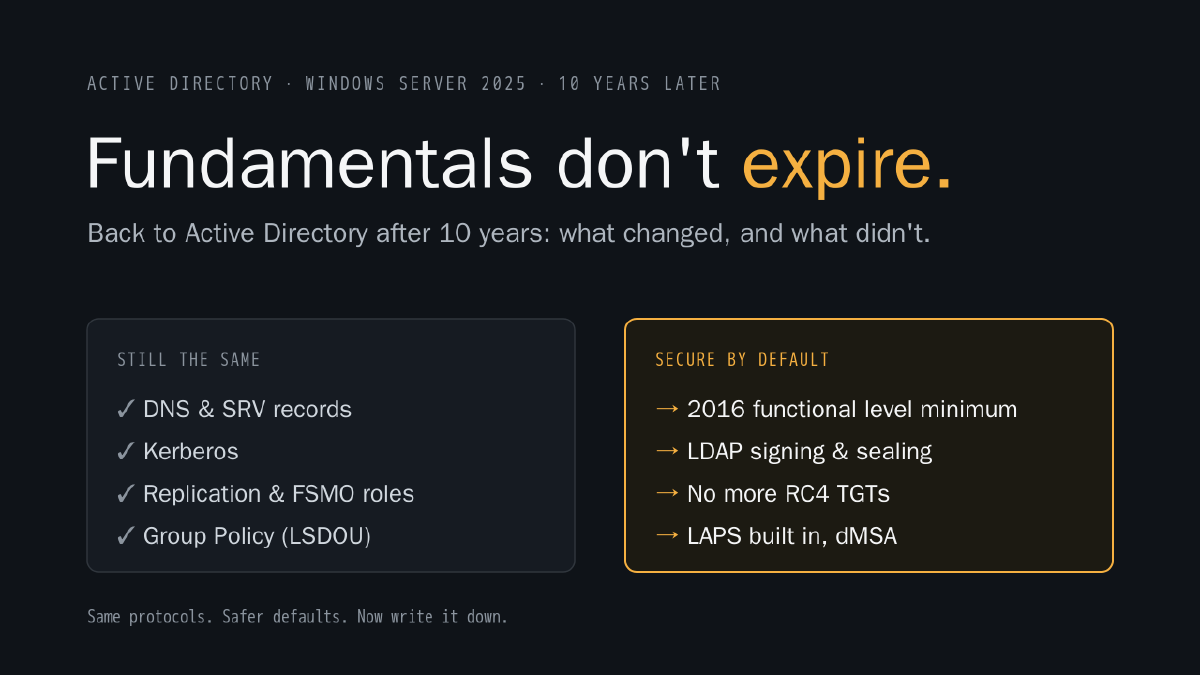
The core of Active Directory is almost exactly where I left it:
- It still lives and dies by DNS. Clients find domain controllers through SRV records. If DNS is wrong, everything else is wrong too, and the error messages will point you everywhere except DNS.
- Kerberos is still the backbone. Tickets, service principal names, delegation, clock skew. If the time is off, authentication is off.
- Replication still works the same way. Sites, site links, the KCC, USNs, and FSMO roles that still matter more than people think.
- Group Policy still processes in the same order. Local, site, domain, OU. And it’s still the place where ten years of “temporary” fixes go to live forever.
If you understood these concepts ten years ago, you’re fine. The tooling around them got better. The protocols underneath did not need to.
What did change#
The real difference is in the defaults. Windows Server 2025 assumes you care about security, and it stops being polite about legacy.
The floor got raised#
- A Windows Server 2025 DC needs a domain and forest at Windows Server 2016 functional level or higher. Old forests stuck at 2008 R2 have homework before you can even add the first new DC.
- SYSVOL still replicating with FRS? That has to move to DFSR first. In older environments this is often the first surprise.
- There’s a new functional level for Windows Server 2025, and with it an optional 32k database page size. That’s the first change to the database page size since Active Directory was introduced. It’s forest-wide, and every DC has to support it.
Secure by default, finally#
- LDAP signing and sealing are required by default on new deployments, and LDAP over TLS supports TLS 1.3. Confidential attributes can only be read or changed over an encrypted connection.
- The KDC no longer issues RC4 ticket-granting tickets. The old
SupportedEncryptionTypesregistry key is no longer honored, so encryption types belong in Group Policy. - New computer accounts get random passwords instead of the old predictable default.
- SMB signing is required by default for outbound connections, and Credential Guard is on by default on capable hardware.
Better tools for old problems#
- Windows LAPS is built in, with passphrases, image rollback detection and automatic account management. There’s no reason left for shared local admin passwords.
- Delegated Managed Service Accounts (dMSA) let you migrate classic service accounts to managed, randomized keys. Useful, but review who can create objects in your OUs. dMSA already had a well-publicized privilege escalation path (“BadSuccessor”).
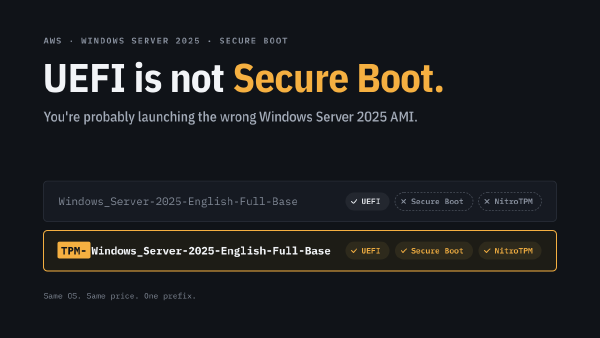
- And if you run domain controllers on modern hardware or in the cloud, the Secure Boot certificate rollover matters too. I wrote about that in You’re probably launching the wrong Windows Server 2025 AMI.
What actually surprised me#
Honestly? How much I still remembered.
I opened DNS Manager and found the forwarders in three clicks, before I’d consciously thought about where they were. ADSI Edit, same story: the naming contexts, the attributes, where to look and what not to touch. Ten years, and my hands still knew the way.
The only real work had nothing to do with Windows Server 2025: missing documentation. Not a mess, just knowledge that lived in people’s heads instead of on paper. Before you change something, you first have to rediscover why it is the way it is. I wrote about exactly that in Get on the bike!
The hard part isn’t the new version#
In a lot of environments, the hard part is everything around it. Old trusts nobody remembers creating. Service accounts with passwords that never expire. GPOs that contradict each other. Applications still binding with plain LDAP or falling back to NTLM. And above all: documentation that doesn’t exist, so nobody knows which of those things still matter. None of that shows up until the new defaults start saying no.
That’s why I’d always audit before you enforce:
- Fix the basics first. DNS and replication health (
dcdiag,repadmin /replsummary) before anything else. - Raise the floor. Functional levels to at least 2016, SYSVOL on DFSR.
- Find out who still talks the old way. LDAP channel binding audit events (3074 and 3075), NTLM auditing, RC4 usage. Then fix the clients, not the policy.
- Clean up while you’re there. Old GPOs, stale trusts, service accounts that should be gMSAs or dMSAs.
- Script all of it. Every step in PowerShell, in a repository. The migration you can repeat is the migration you can trust, and the scripts are the documentation the next person will thank you for.
Fundamentals don’t expire#
Ten years is a long time in IT. Frameworks come and go, clouds rename their services every year, and half of what was “best practice” in 2016 is now an anti-pattern.
But Kerberos, LDAP, DNS and replication didn’t care. If you invest in understanding how things work underneath, that knowledge keeps paying off, even when you come back a decade later.
Picking up something you used to know? Start with the fundamentals. They’re probably still there, waiting for you.